
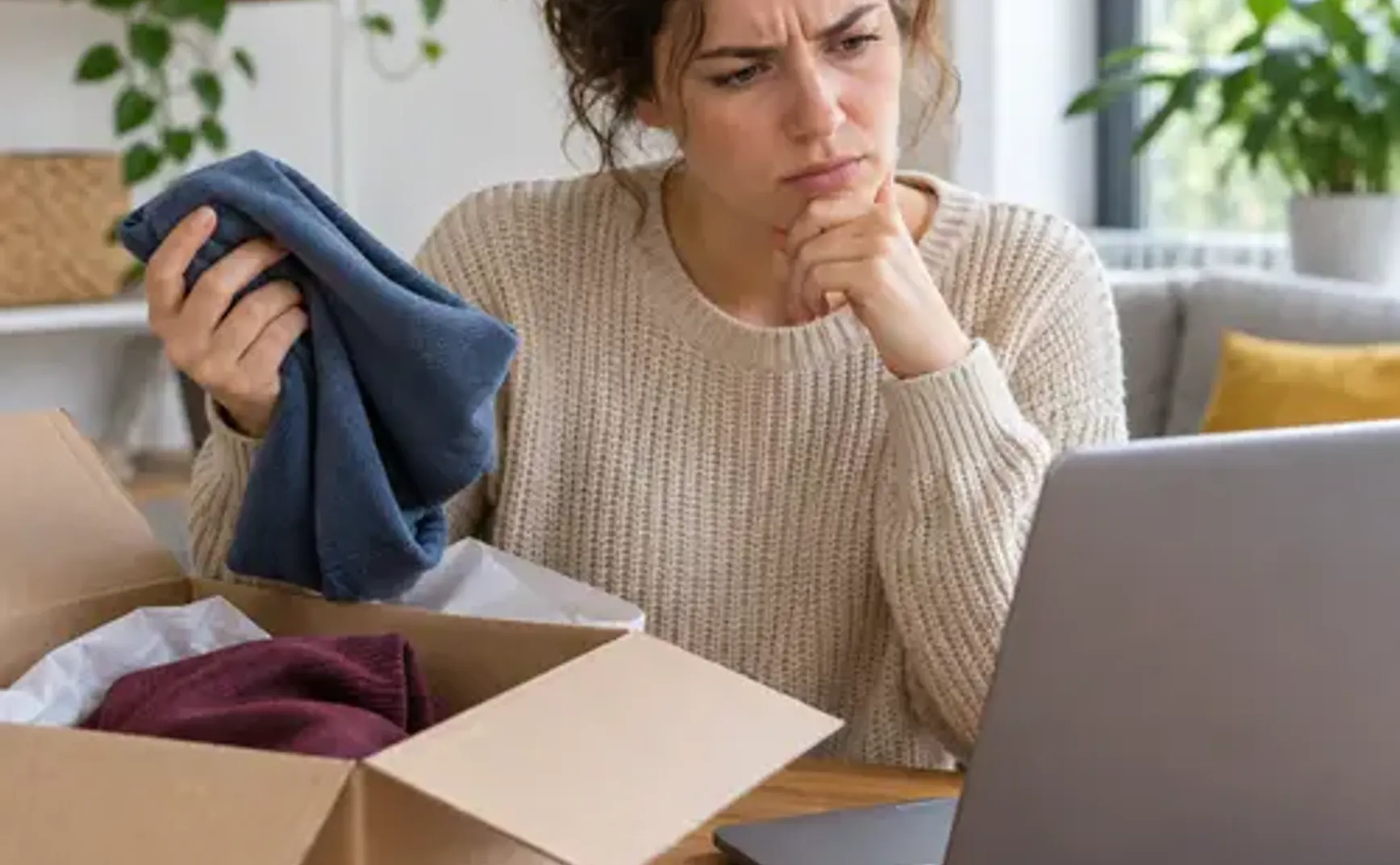
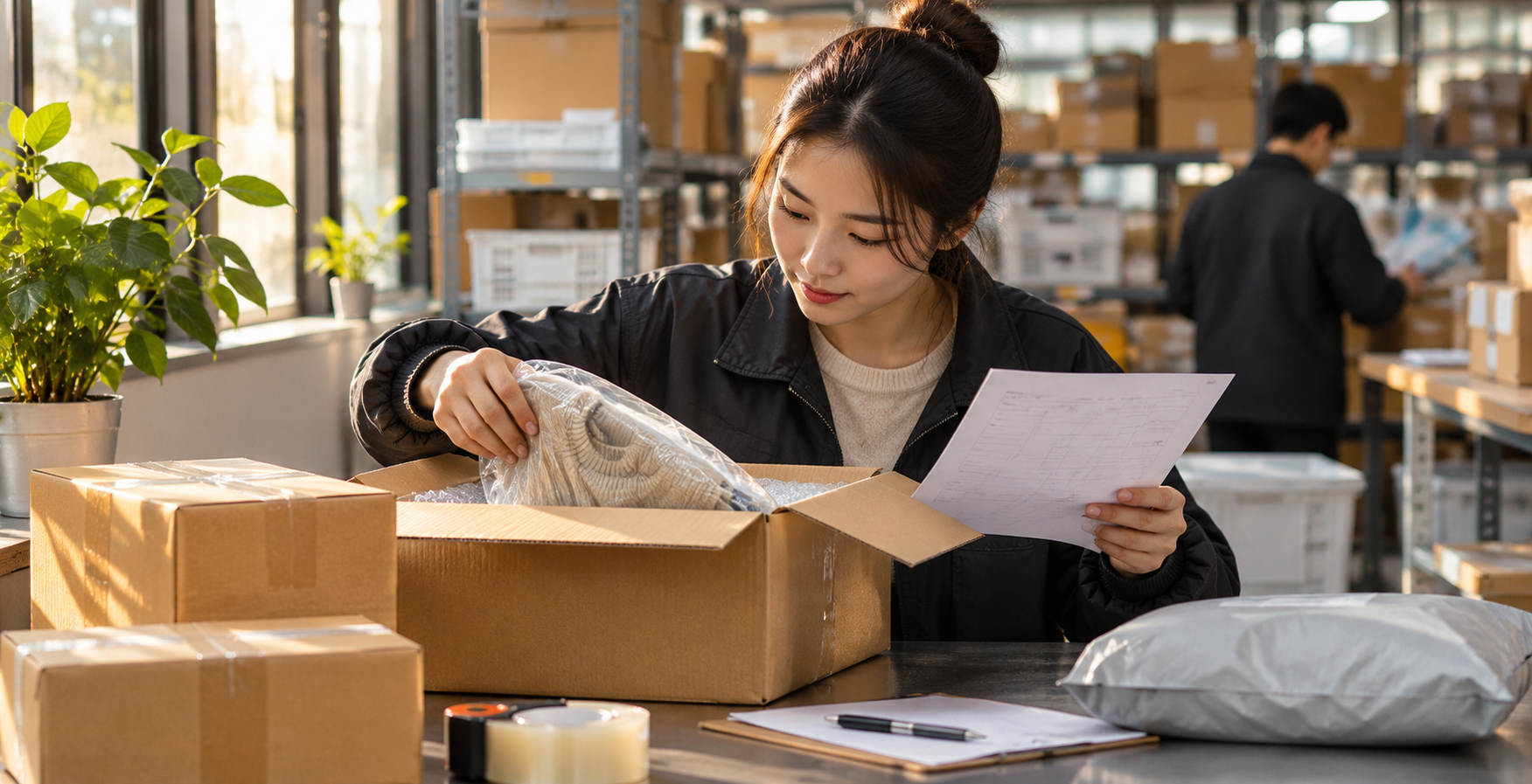
Your Double 11 tracking says delivered, but the parcel has not appeared in the Cainiao app. Or the warehouse photo looks different from your order. Before consolidating, match each China tracking number with the seller's dispatch record and check what happened at each step.
Match orders to parcels
A seller may split one order into several parcels, and packages from different shops can look alike. List each order's items, quantities, seller, China tracking number and delivery status, then match them against the parcels in the Cainiao app. If the seller changed a tracking number or shipped in batches, ask what was sent in each parcel.
Warehouse check-in can take place after the courier's delivered scan. Check your app for the current status; the applicable waiting or enquiry time depends on the page and support response. Do not substitute another parcel's number or submit uncertain information twice.
Delivered but absent from the app
Compare the seller's delivery address and identifying information with the China warehouse address shown in your account at the time. Check the tracking number, carrier, delivery time and whether the order was split. Keep the order, tracking history, delivery record and seller's dispatch details.
If you still cannot find it, use the support channel currently offered in the Cainiao app and provide the domestic tracking number, order and delivery record. Share private address, telephone and account information through the support channel, not public comments.
A photo or quantity looks wrong
Check what the warehouse photo actually shows; it may show only the outside of the package. A photo cannot confirm an item is missing when the contents are not visible. Ask the seller whether the order was split, an item omitted or the tracking number changed.
Keep the product listing, order details, tracking number, seller messages and available warehouse photos. Explain the discrepancy to both the seller and Cainiao support. If inspection, extra photographs or other services are offered for your order, check their scope, limits and cost before choosing. Photos record visible condition; they do not prove an item works.
An unidentified or unmatched parcel
Ask the seller to verify the warehouse address, identifying details required by your account and the China tracking number. If the shipment was split, get the actual number for each parcel. Give the order and tracking information to Cainiao support to check ownership. Do not guess an identification code or consolidate a parcel that may not be yours.
What to prepare for support
Have your shopping order number, item names and quantities, domestic tracking number, delivery record, available warehouse photos and seller messages ready. Explain the issue, when you noticed it and which parcel needs checking. Supply any additional information requested through the support channel.
While waiting, monitor app messages and each parcel's warehouse storage time. Once resolved, check the items, U.S. delivery address, available route, declaration, chargeable weight and final cost before consolidating and paying. Check current U.S. route restrictions before buying or dispatching restricted items.
Read the complete Cainiao U.S. consolidation guide
Cainiao U.S.-Exclusive Promo Code: USAVE
Shipping to the United States with Cainiao? Enter the U.S.-exclusive promo code USAVE at international shipping checkout. Before paying, confirm that the offer has applied. Eligibility and the actual discount are determined by your current checkout page.
Open Cainiao, check U.S. shipping options, and use USAVE
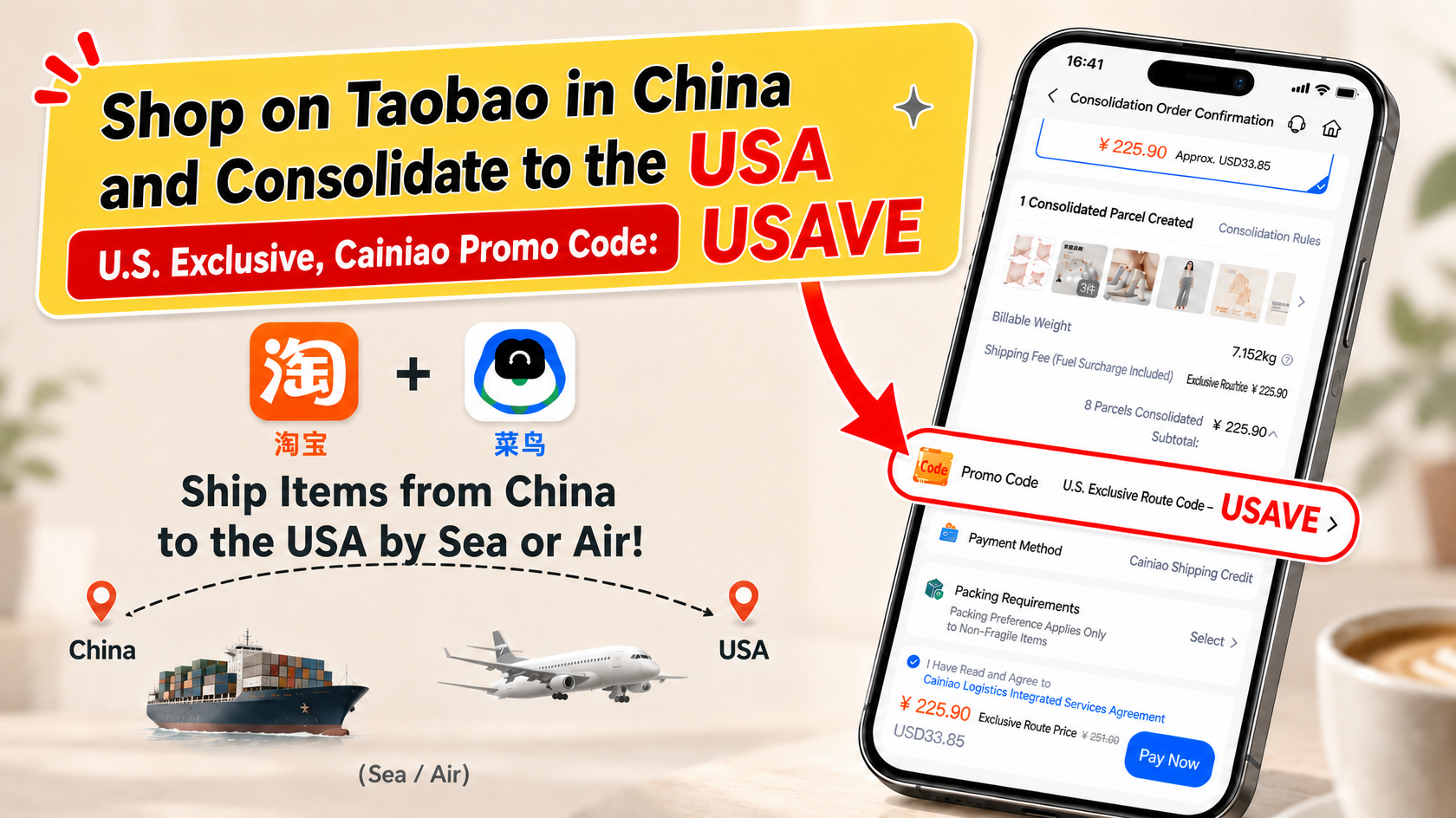
The pictured amounts, weight, and parcel counts are illustrative. Your checkout page determines the actual shipping charges and discount.